Get paid into the right account
Update payment details
Need to change the bank account your payouts go into? Follow the steps below to do it directly in Redbox — takes a couple of minutes.
Find your business
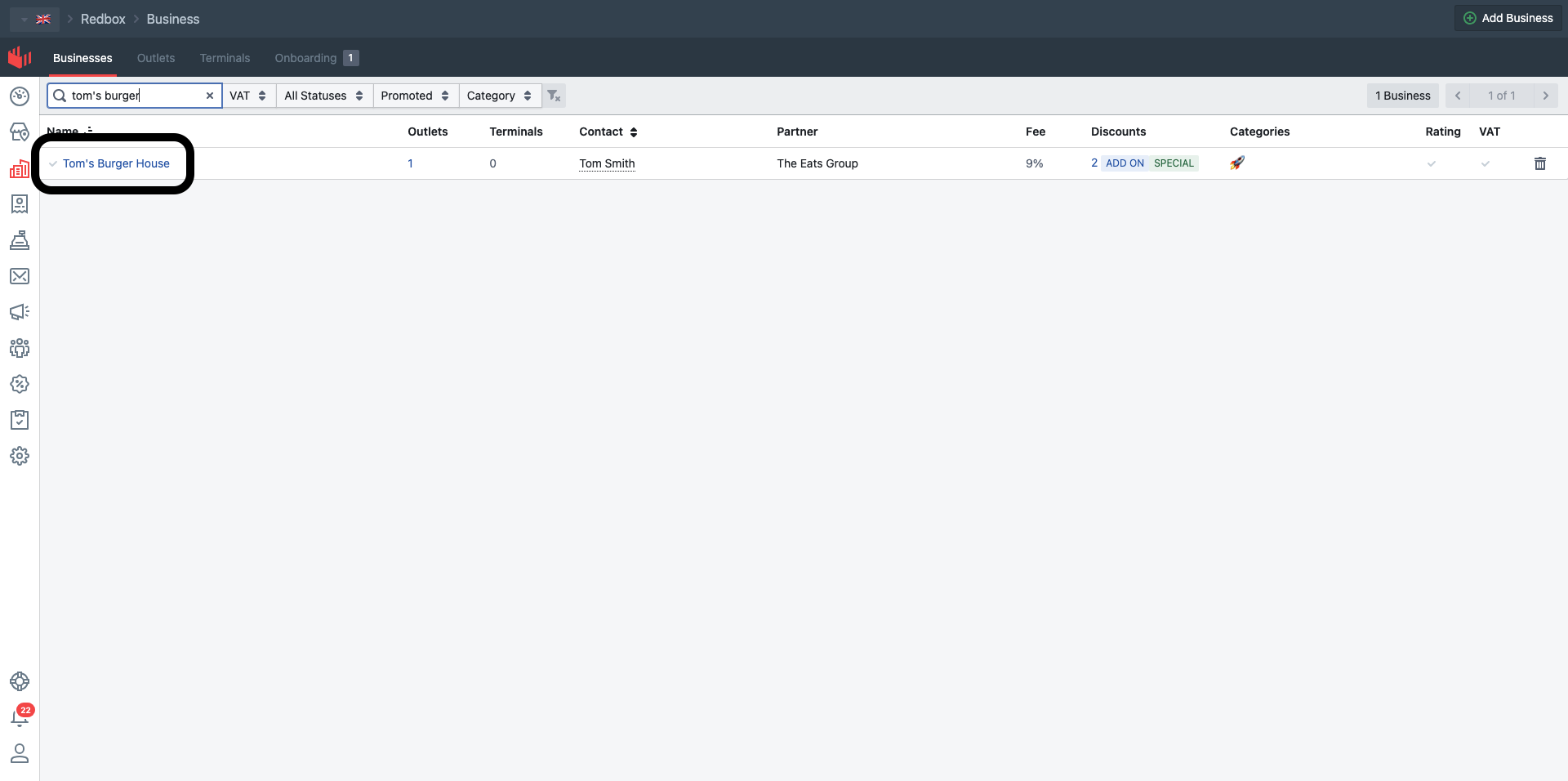
Log in to Redbox, head to the Business tab, and search for your business name in the search bar. Click your business in the list of results.
Open the Outlets tab
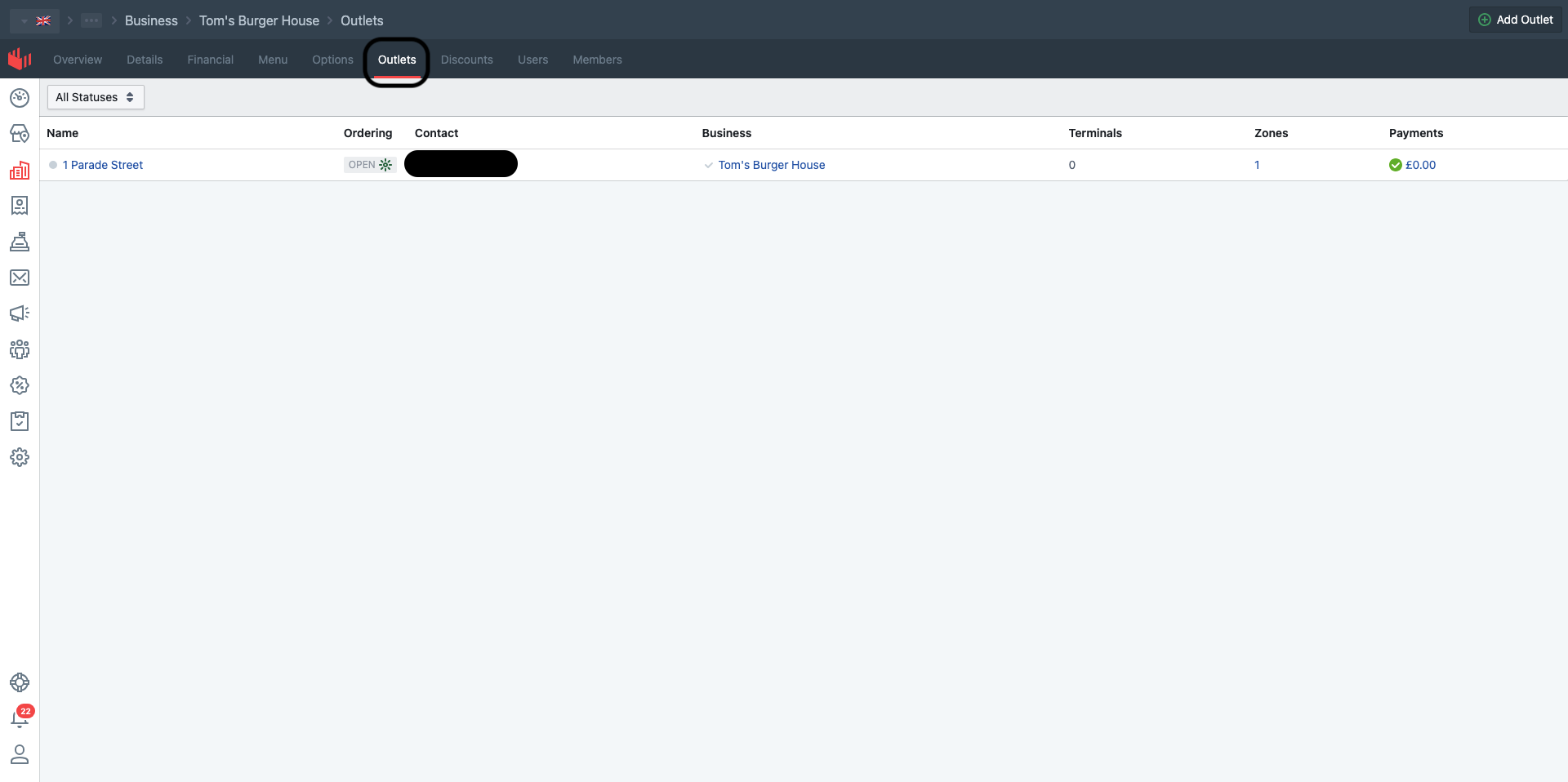
Inside your business, click the "Outlets" tab in the top navigation.
Open your outlet
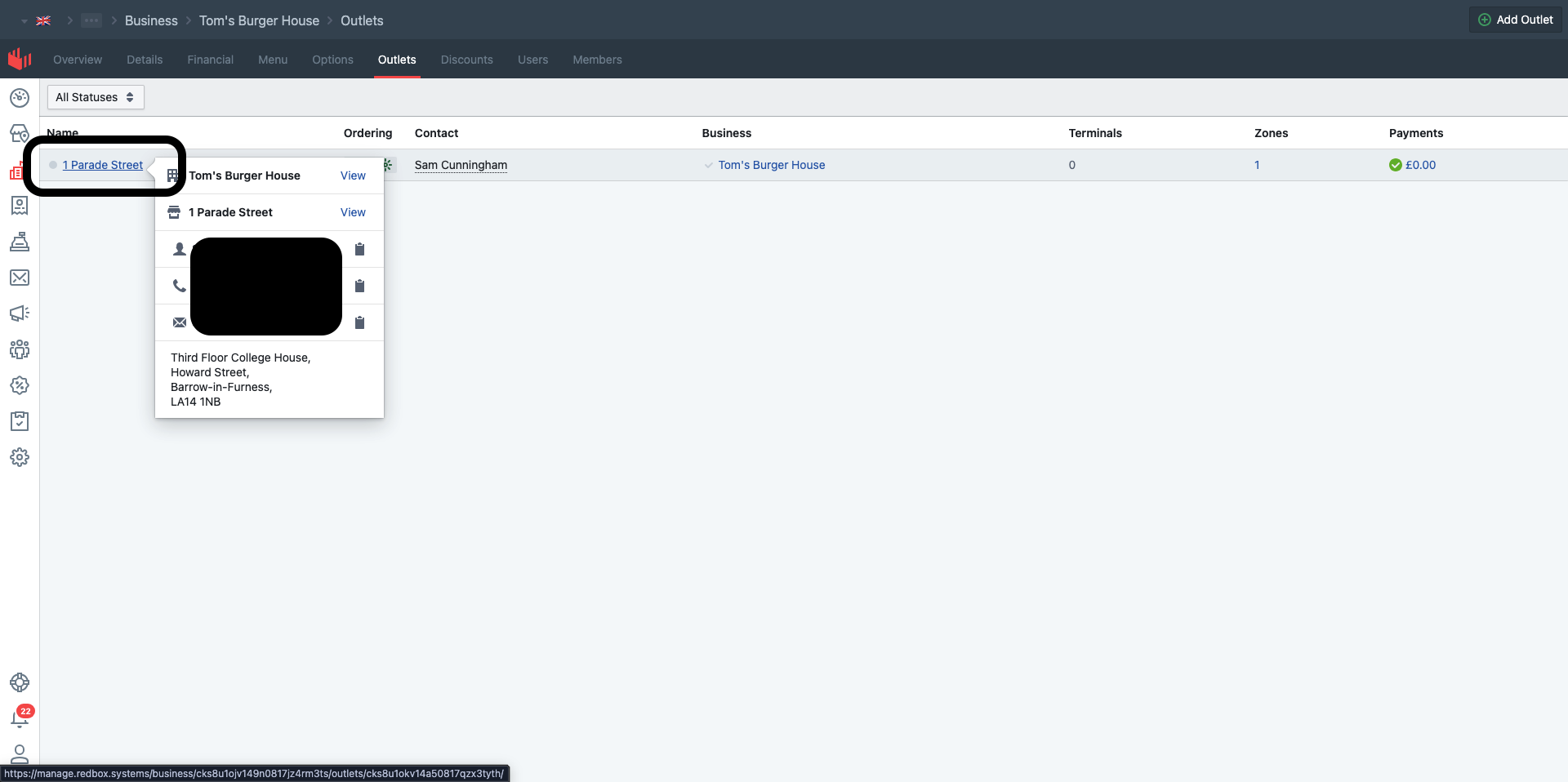
Click your outlet's name in the list. If you have more than one outlet, pick the outlet whose bank details you're updating.
Open the Payments tab
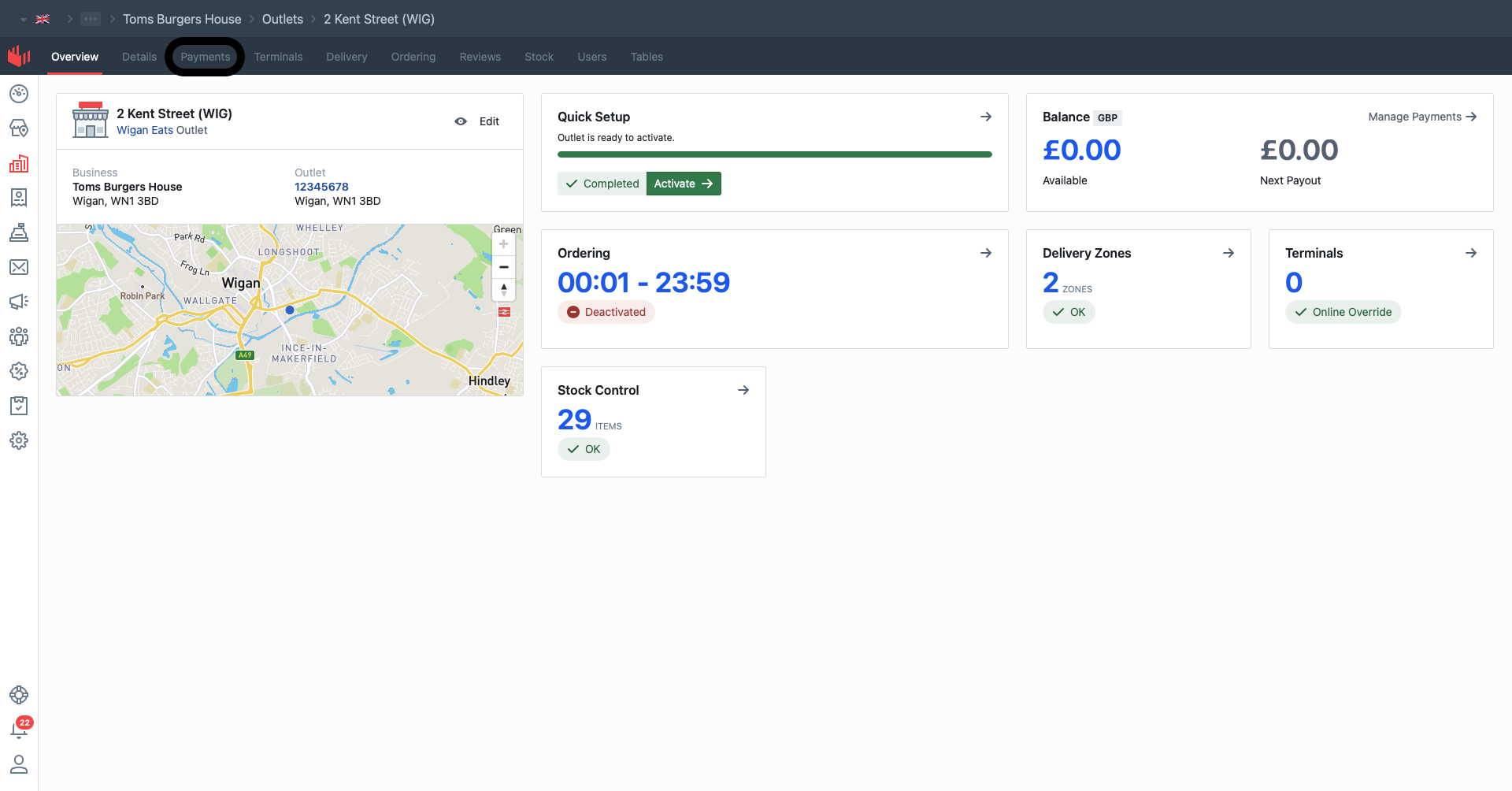
In the outlet's top navigation, click the "Payments" tab.
Sign in to your payment account
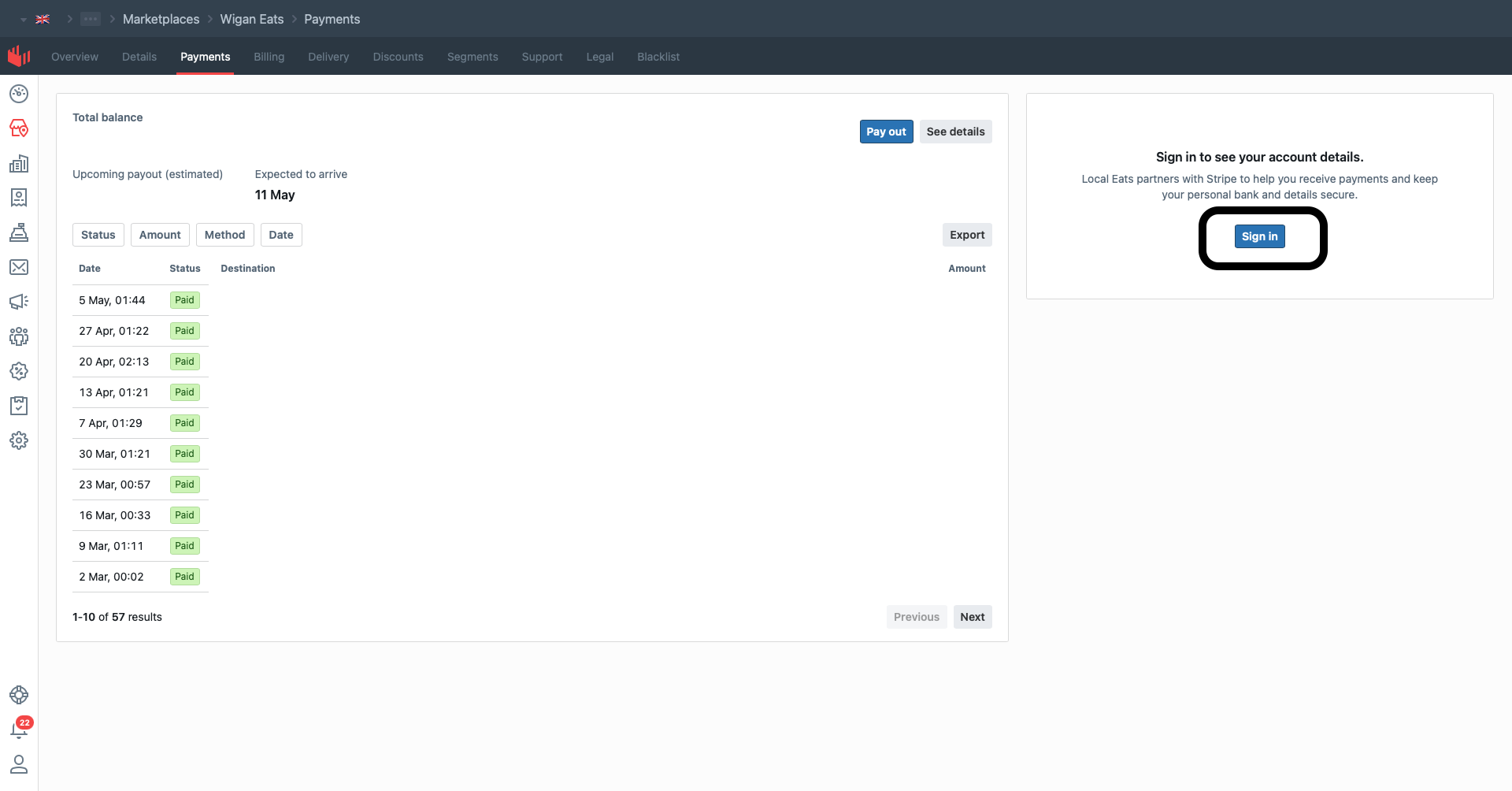
On the right-hand side of the page you'll see "Sign in to see your account details" — click the blue Sign in button. This takes you to Stripe, who handle our payment account security.
Enter the 2FA code
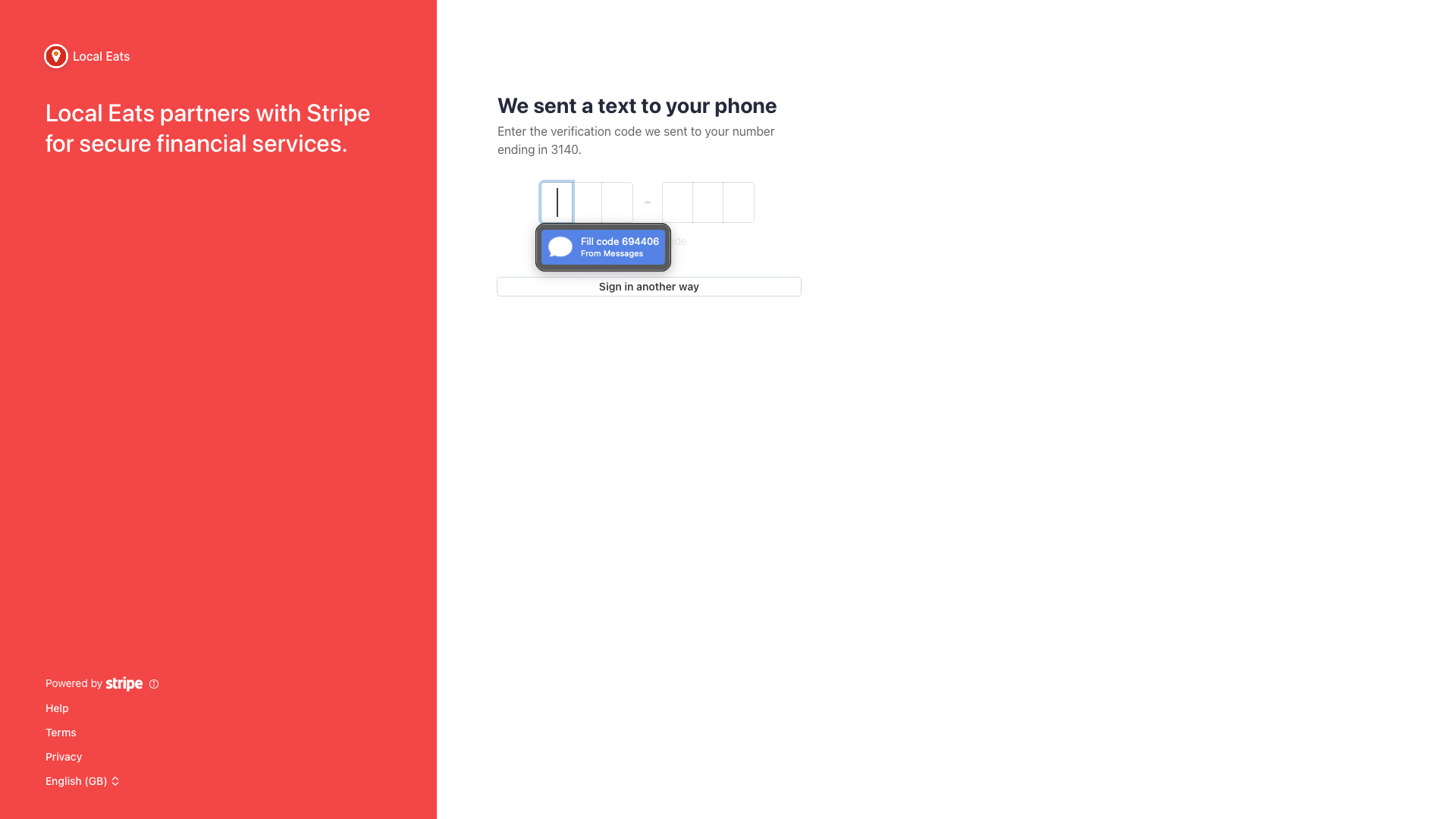
Stripe will text you a 6-digit verification code. Type it (or tap the auto-fill suggestion on iPhone) into the boxes on the page. This is for your own security — your bank details are sensitive.
Edit your bank account
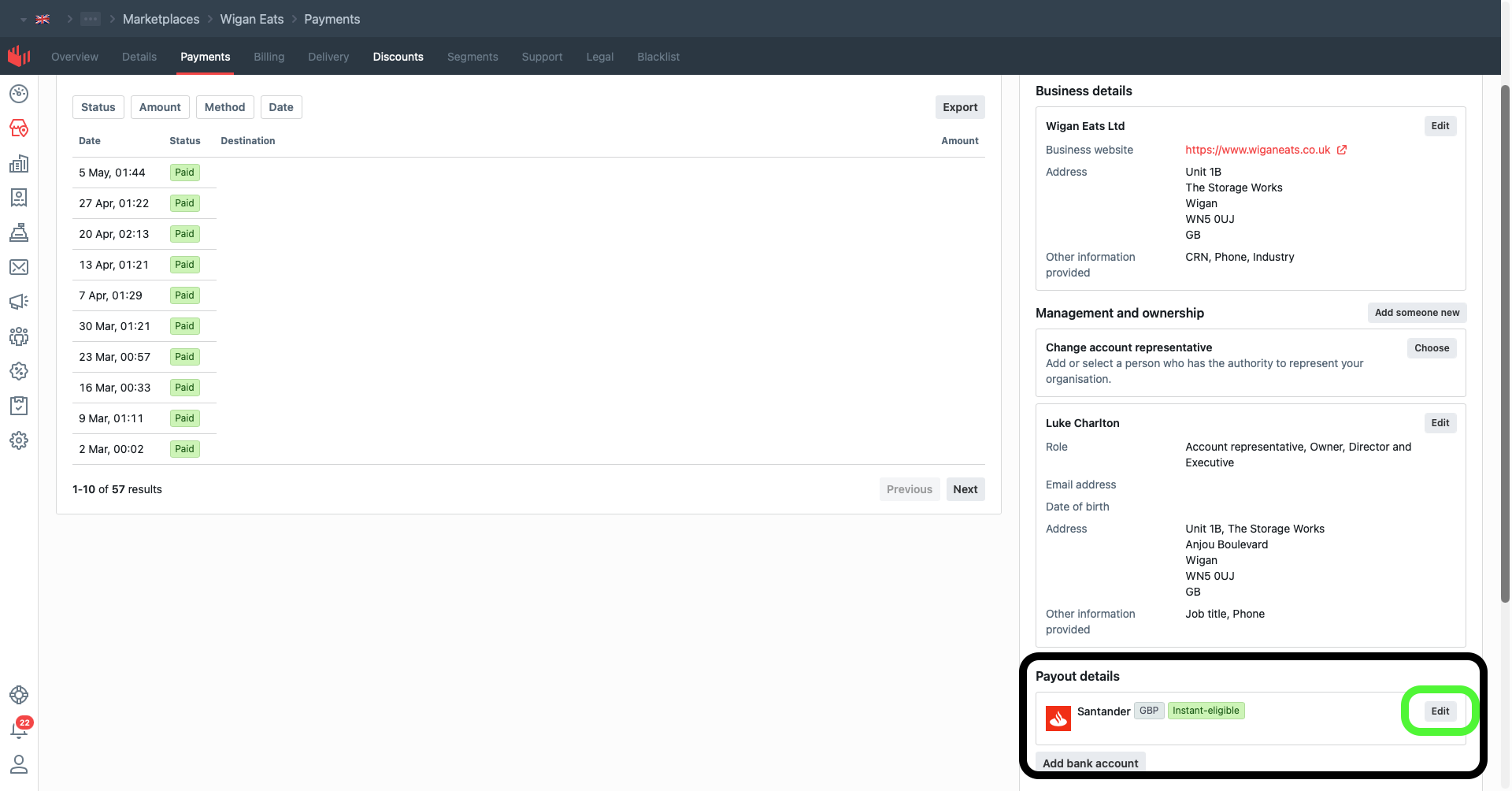
Once signed in, scroll to the "Payout details" section near the bottom. Click "Edit" next to your current bank, enter your new sort code, account number and account name, then save. Your next payout will use the new details.
Get in touch
Contact Us
Call our 24/7 support team, or get in touch directly via phone or email.